
Lots of video format files are available these days such as MP4, AVI, MPEG, FLV, MOV, WMV, 3GP, SWF and More. But the difficult part is that all of these video format will not work on all the devices like Mobile, tablets and other application. Suppose if you have some video file in MKV format and want to save that format on your tablet or any other video player and you are getting an error that the video file is not supported for this device. So at that time you have to convert that video format in some other format to play that video file. Well, every problem has a solution. To solve this problem you need a video converter application which allows you to convert your video files in other format. So if you are ion the same boat and looking for a software which allows you to convert your videos in other Format so you can play them in your own favorite format.
So today in this post we are giving you the best list of some of the best Video Converters application which help you to convert your video files easily. These are some of the best video converters which allows you to convert your videos in many formats easily.

List of Best Video Converters Apps for Your Windows PC

Quick Media Converter HD allows you to convert any type audio and video formats, including AVI, DVD, Quicktime, Flash, Xvid, DivX, MPEG, MP3, WMA, MP4, 3GP and many others. With the help of this free application you can convert multiple files (of different formats) in a single process and optionally customize the output settings in Expert Mode.
2. K-Lite Video Conversion Pack:

One of the best and light weight video converter for windows user with lots of features. K-Lite Video Conversion Pack not only helps you to convert video file but also help you to cut and edit your videos and then burn them to DVD. Some other features of the app are DVDStyler, ImgBurn and Avidemux, with these feature you can create DVD, Burn media files and more.
3. HandBrake

One of our favorite video converter works for all Windows, Linus and MAC users. Allows you to convert video from nearly any format to a selection of modern, widely supported codecs. Simple to use and convert file for any device like iOS, Android, Windows Phone, DVD players, Blue ray and more.

Best and free video converter for all window users and works on all windows platforms including Windows 8. Convert all videos & YouTube to MP4, MP3, etc. for various media players. Supporting Flash FLV, MPEG-4, MPEG-I, MPEG-II, DVD PAL, and DVD NTSC video profiles, any video convertor is one cool option worth checking out.
5. FormatFactory:

FormatFactory is a multifunctional media converter that supports video conversion from/to MP4/3GP/MPG/AVI/WMV/FLV/SWF and audio formats MP3/WMA/MMF/AMR/OGG/M4A/WAV, JPG/BMP/PNG/TIF/ICO. MP4 files support iPod/iPhone/PSP/BlackBerry format.
6. Videora iPod Converter:
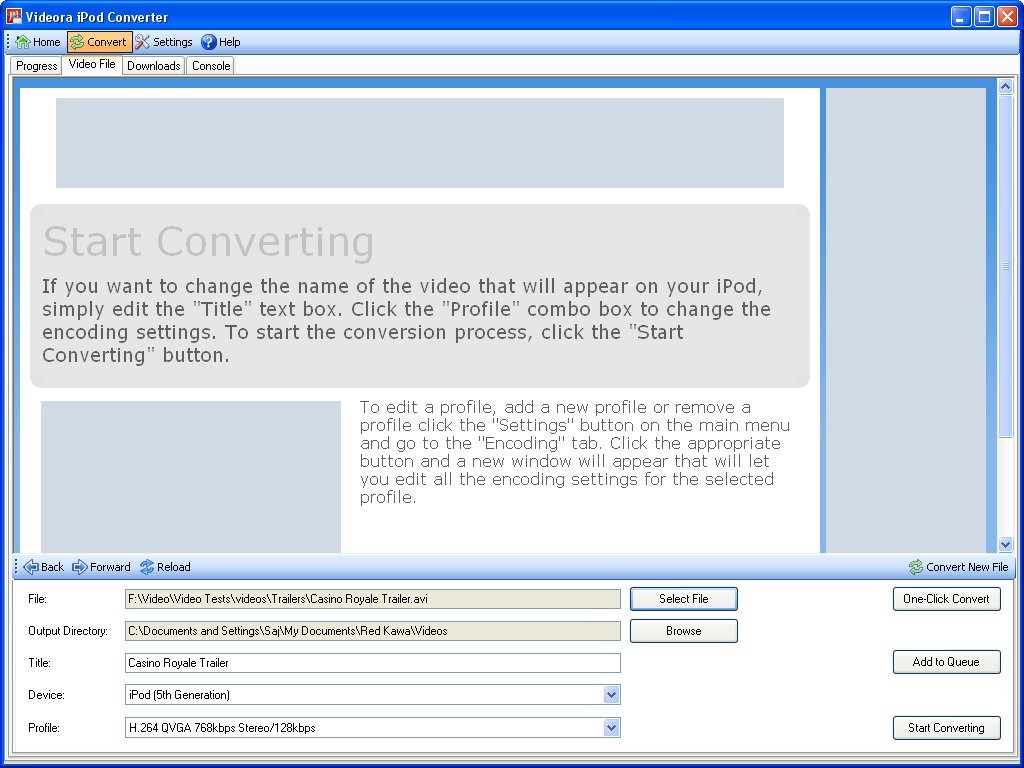
Another cool video converter with lots of conversion tool which allows you to convert video iPod, PSP, Mobile Phone, iPad, Blackberry and other devices. This free windows software converts almost all kinds of video files into appropriate video formats to be played on any media player device.

AVS Video Converter includes ready presets to convert video for iPhone, iPad, iPod Touch, Android tablets, Sony PSP, Amazon Kindle, smartphones, portable media players, etc. Not only this it also allow you to Convert & Share Your Videos on Web, Create Personal DVD/Blu-ray Videos and more.

If you are in hurry and don’t want to download any application on your desktop and want to convert files in any other format then you have to try Online Converter. It helps you to convert any type of file like audio, video, images, docs, pdf and other kinds of files. One of the best online converter to convert any files into other format in very simple and fast way.
Hope you like the above list of video converters, if you looking for more best sites, tips, and guide then like our Facebook page here and add us in your Google+ Circles.

Hi, Im doing a project on Bloggers,
Am an MBA student from SPJAIN Mumbai.
Was wondering if you would help me!
@ Bhuvana
Hi What Kind of Help you want
Vixy net actually sucks…u get to change the format of your video 2 out of 10 times..their server is that damn busy..